
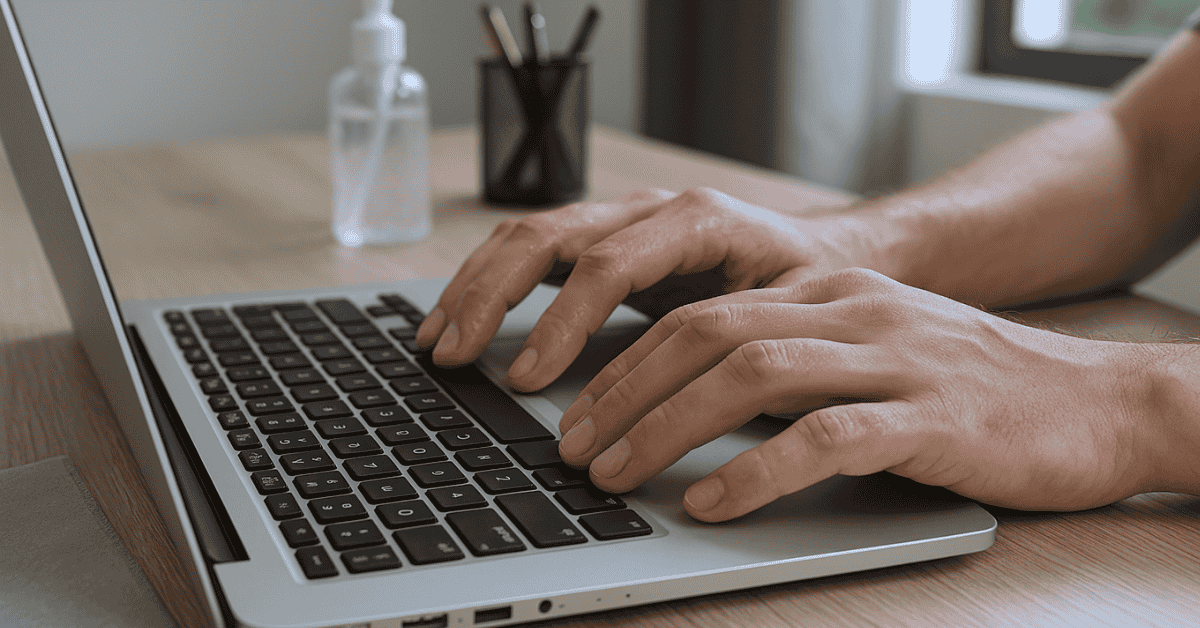
Typing on your laptop for hours and suddenly noticing your fingers slipping or your keyboard feeling damp? You’re not alone. Sweaty fingers on a laptop keyboard are a common problem, and it can be both uncomfortable and distracting. Let’s break down why this happens and what you can do about it.
Why Do Your Fingers Get Sweaty While Using a Laptop?
- Heat from the Laptop
- Laptops generate heat, especially around the keyboard area.
- Warm surfaces make your palms and fingers sweat more.
- Stress or Intense Work
- When you’re focused, stressed, or working under pressure, your body releases sweat — often in your hands.
- Poor Air Circulation
- Sitting in a closed or warm room with no fan or AC can increase sweating.
- Natural Hand Sweat (Palmar Hyperhidrosis)
- Some people naturally sweat more from their hands, and typing makes it worse.
- Posture and Hand Position
- Keeping your palms resting on the laptop base for long periods traps heat and sweat.
| 😓 Facing This Problem? | ✅ Best Products from Amazon |
|---|---|
| Dark patches under arms? | Best Shirts That Hide Sweat |
| Excessive sweating? | Strongest Antiperspirants That Work |
| Sweat in formal meetings? | Breathable Formal Wear |
| Always sweating in summer? | Cooling Clothing You’ll Love |
| Shoes getting smelly? | Sweat-Resistant Shoes |
| Visible back sweat? | Undershirts That Actually Work |
Problems Caused by Sweaty Fingers on a Keyboard
- Slippery typing: Fingers slide and typing accuracy drops.
- Sticky keys: Sweat and oils can make keys harder to press over time.
- Hygiene issues: Moisture mixes with dust and dirt, making the keyboard grimy.
- Risk to device: Excess moisture can affect the internal parts if it seeps in.
How to Fix or Reduce Sweaty Fingers While Typing
- Keep Your Hands Dry
- Wash and dry your hands before long typing sessions.
- Keep a small towel or tissue nearby to wipe your fingers when needed.
- Improve Airflow Around You
- Use a fan, air cooler, or keep windows open for ventilation.
- If possible, use your laptop in a cooler environment.
- Laptop Cooling Pads
- Place your laptop on a cooling pad to reduce surface heat.
- This not only helps your hands but also improves laptop performance.
- Use an External Keyboard
- A wireless or USB keyboard can reduce direct contact with your hot laptop base.
- Mechanical or ergonomic keyboards also stay cooler than laptop keys.
- Adjust Posture and Hand Position
- Try not to rest your palms on the laptop all the time.
- Small breaks help your hands breathe and stay dry.
- Hand Care Tips
- Apply talcum powder or anti-sweat lotion on your palms (lightly).
- If you sweat a lot, consult a doctor about palmar hyperhidrosis treatments.
Quick Hacks You Can Try Instantly
- Place a soft cloth under your wrists to absorb sweat.
- Use finger sleeves (popular among gamers) for a better grip.
- Keep hand sanitizer nearby — it evaporates quickly and leaves hands dry.
Sweaty fingers on your laptop keyboard are normal but manageable. By keeping your environment cool, using external tools, and practicing good hand care, you can type comfortably without the slip and stick problem.